
Windows / PowerShell Web Alchemy
WA Project Backup Kit
Free PowerShell scripts for backing up selected project source files to ZIP and verified restoration to a new Windows folder.
What's Inside
Source-code backups under your control
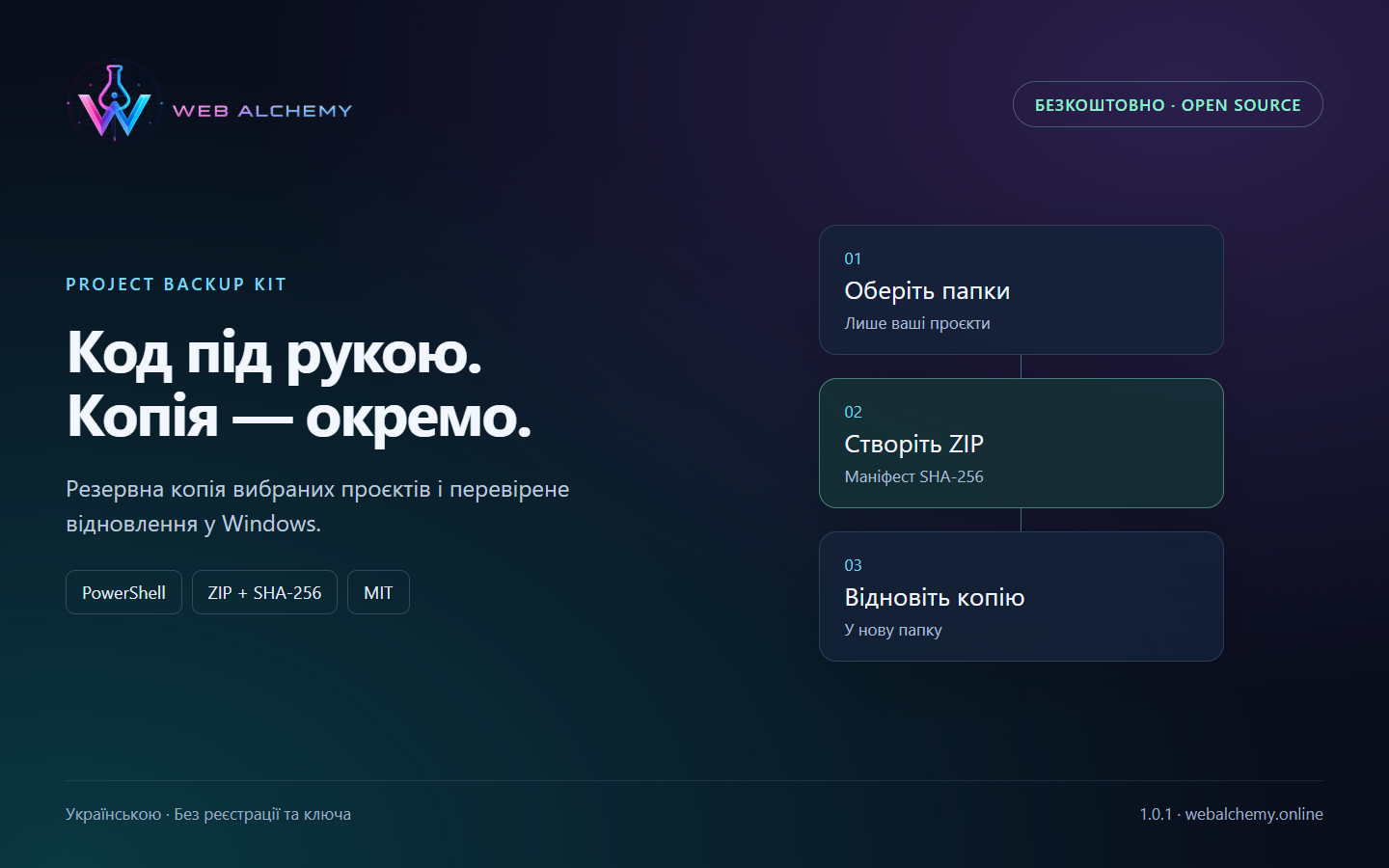
WA Project Backup Kit packages selected local projects into a separate ZIP, verifies integrity and restores files without overwriting an existing folder. You specify the sources in JSON; the tool does not search your entire computer for projects.
This is a set of PowerShell command-line scripts, not a graphical desktop application. The package includes two entry-point scripts, a module, an example configuration, full Ukrainian instructions and functional tests.
How to get started
- Download the ZIP and verify its SHA-256 against SHA256SUMS.txt in the release.
- Extract the package, read README.md and create your JSON configuration from the example.
- Run Backup-Project.ps1 with -DryRun, review the list, then create the backup.
- Verify the archive using Restore-Project.ps1 -VerifyOnly and restore it to a new folder.
Testing and interface
The exact archive was extracted into a new folder. It passed 36 functional checks, including standalone CLI commands, separately in Windows PowerShell 5.1 and PowerShell 7: backup, restore, hashes, Unicode, exclusions, damaged ZIPs, unsafe paths and refusal to overwrite existing files.
Requirements and limitations
Windows 10/11, Windows PowerShell 5.1 or PowerShell 7; tested on Windows 11 x64 with PowerShell 5.1 and 7.6.5. Administrator rights are not required. The scripts are unsigned; organizational policies may restrict execution.
Up to 50 non-overlapping local folders, 100 000 files and 2 GiB of uncompressed data. Common secrets, databases, uploads, dependencies, caches, .git and links are skipped. Empty folders, NTFS permissions, timestamps and streams are not restored. The ZIP is not encrypted; this is not a full website or computer backup. There is no scheduling, cloud sync or incremental backup. Unusually named secrets must be checked manually.
Updates, removal and support
Version 1.0.1. Each update will have its own tag, immutable ZIP, SHA-256 and changelog in GitHub Releases. Install updates manually after checking compatibility. See README.md for update, removal and settings-restoration instructions. There is no licence key to transfer.
Support through GitHub Issues without a guaranteed SLA; custom adaptation is discussed separately.
Open source on GitHub
Repository, documentation and source code ↗ · Release 1.0.1 and checksums ↗
Product features
- Explicit folder list and preview
- ZIP with a SHA-256 manifest for every file
- Restore only to a new folder
- Excludes common secrets and caches
- MIT · no key or device limit
Technologies
License
MIT: free to use, modify and distribute while retaining the copyright notice. No activation or device limit.
Support
GitHub Issues · no guaranteed SLA; custom adaptation is separate.
CTA
Need a version tailored to your business?
Contact us if a ready-made product needs to be adapted to your CMS, CRM, payments, account area or automation workflow.