
16.06.2026
Website Development Stages: From Task to Launch
A website is ready to launch not when the final design is approved, but when customers can complete the intended action and the business team receives the result. For a cafe, this could be a reservation request; for a contractor, a quote request; for a store, a correctly placed order. Below are the development stages and the criteria an owner can use to accept the work at each stage.
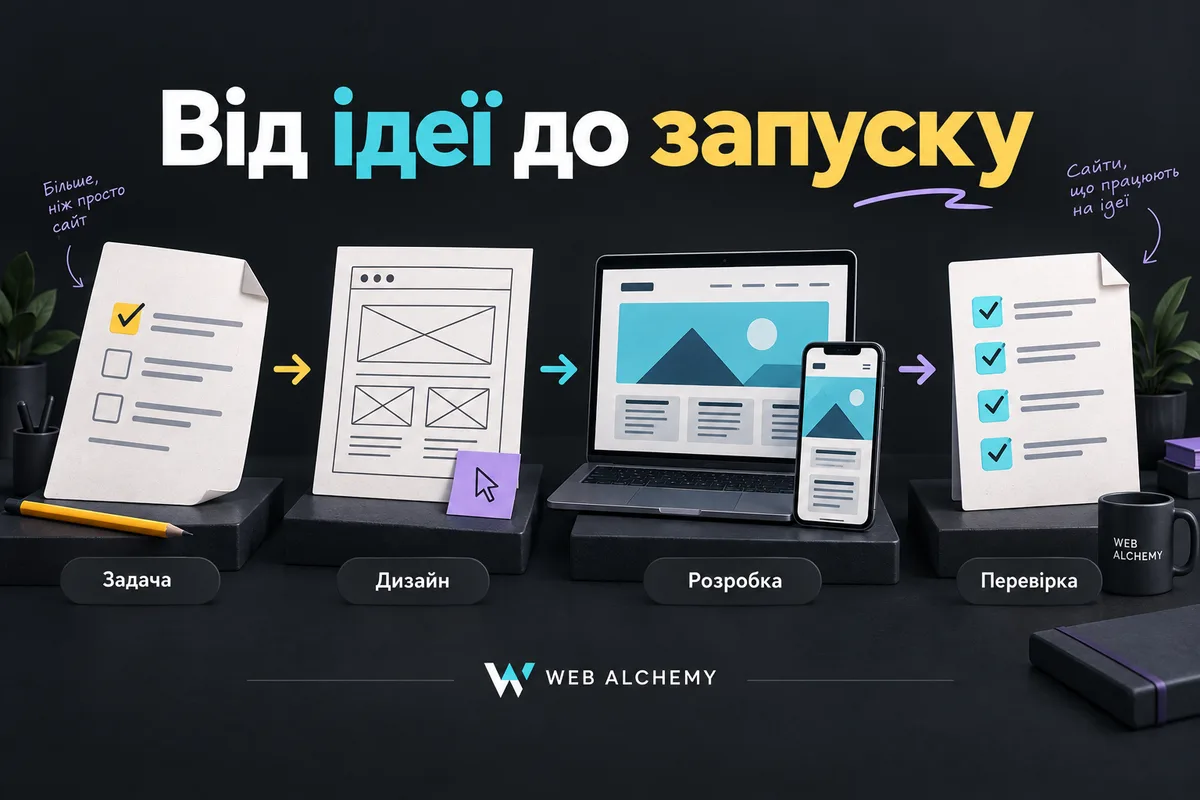
1. The Task and Scope of the Initial Launch
Start by answering: who visits the site, what do they want to know, and what action should they take? Then document the pages, languages, content sources, integrations, and responsible people. Separately list what is not included in the first version. This helps distinguish a fix to an agreed feature from a new request.
Stage outcome: a short task description, a list of pages and features, the approval process, and completion criteria. Materials can conveniently be gathered using a pre-development brief. The timeline depends not only on the code but also on having copy, photos, the catalog, and access ready.
Example for a restaurant
“We need a website with reservations” does not yet describe the work. Clarify: does the guest submit a request or immediately receive a confirmed place? Who checks availability? What should be displayed when the venue is closed? For the first version, you can agree on a menu, opening hours, an address and reservation requests with manual confirmation by a manager. This is an example of requirements, not a specific client's story.
2. Structure and design with no missing states
The prototype is used to test the path to the desired action. The design is checked for readability, priorities, the mobile menu, forms, and element states. One attractive main screen is not enough: long names, empty search results, form errors, loading, and confirmation states are also needed.
Stage outcome: approved key pages on mobile and desktop, a list of reusable components and the behavior of important states. Before turning the design into code, walk through the customer journey: find a service, understand the terms and reach the form. For more on this stage, see the section UI/UX design.
3. Development and Integrations in a Test Environment
At this stage, mockups become working pages: the CMS, catalog, forms, payments, and required services are connected. Owners need to see not just the appearance but also how to manage it: change a price, add a service, check an inquiry, or correct text without a developer.
A CRM connection is accepted based on the result in the CRM, not the website's “Sent” message. Payments are tested for successful, canceled, and failed scenarios in the provider's test mode. Tests must not create real charges, customer mailings, or delivery orders.
Stage outcome: a working test version, examples of completed flows, and clear limitations. If data exchange and inquiry tracking are needed, their scope should be agreed together with CRM and automation, not after the markup is finished.
4. Acceptance: test the journey, not just the page
For each critical scenario, record the initial conditions, steps, expected result and evidence of testing. For example: a visitor on a phone selects a service, enters test contact details and submits the form; the system creates one inquiry, a manager can see it, and the customer receives a clear confirmation. After a bug is fixed, run the same scenario again.
Pre-publication checklist
- Phone and computer. There is no horizontal scrolling of the main content, covered buttons, or cut-off prices. In addition to narrowing the browser window, test the critical path on a real phone.
- Forms. Empty required fields and incorrect formats have clear prompts. After an error, users do not need to re-enter all their data. Check both that the inquiry is saved and that the notification is delivered.
- Keyboard and Readability. Menus, fields, and buttons are keyboard-accessible; the current focus is visible. Enlarging text does not hide important actions. W3C WAI Easy Checks help identify basic problems but do not replace a full accessibility audit.
- Error and empty states. What will customers see if a product is unavailable, search finds nothing, or an external service is temporarily down? Instead of endless loading, they need an explanation and a next step.
- Search. Public landing pages open without signing in, return HTTP 200, and have no accidental noindex; canonical and sitemap contain the correct URLs. According to Google's requirements, technical accessibility makes indexing possible, but does not guarantee it or rankings.
- Analytics. Define what success means: not a button click, but a saved inquiry or confirmed order. Check events with visitor consent in mind; test inquiries should not distort live statistics.
- Restoration and Access. There is an up-to-date backup and a tested restore method. The owner has the necessary access, and unnecessary permissions are not left with unrelated people. A separate article: how to verify a backup.
Checks should be performed on a copy with synthetic data. A verification run on the live site is agreed separately, without real payments or customer contact. No checklist proves that every possible error is absent; it makes the acceptance scope specific.
5. Publishing and handover to the business
Before release, agree on the time, the person responsible for verification, and the rollback conditions. After migration, reopen the main pages on the live domain: URLs, caching, forms, and integrations may differ from the test version. Do not remove indexing restrictions from user accounts and utility pages along with the rest of the site.
What the owner receives: access credentials with clear roles, a brief guide to managing content and inquiries, a list of integrations and recurring costs, acceptance test results, known limitations, and the process for requesting support. Further improvements are planned around actual inquiries and observations, not merely the fact that the site has launched.
How to Discuss Your Project
For an initial estimate, describe the business, the customer's main action, required integrations and timeline constraints. See Web Alchemy projects, scope website development and indicative prices. In a message to the team specify what result must be ready for the first launch: this makes it easier to agree on a realistic scope.